
Running a small business involves managing multiple activities every day: sales, purchases, customer payments, expenses, GST invoices, and financial records. Many businesses initially manage all of this through notebooks, spreadsheets, or a mix of disconnected tools, and it works fine until transaction volume grows and keeping everything accurate becomes a daily struggle. Even accounting and consulting firms that handle billing for their own clients look for tools that make this easier. Sharda Associates, a CA firm, has used Vinimay’s free invoicing software for its own GST billing needs and found it a genuinely useful option for fast, compliant invoice generation without any upfront cost. This guide looks at why proper accounting software matters, what features actually make a difference, and which tools are worth considering for different types of small businesses
Why Small Businesses Need Accounting Software
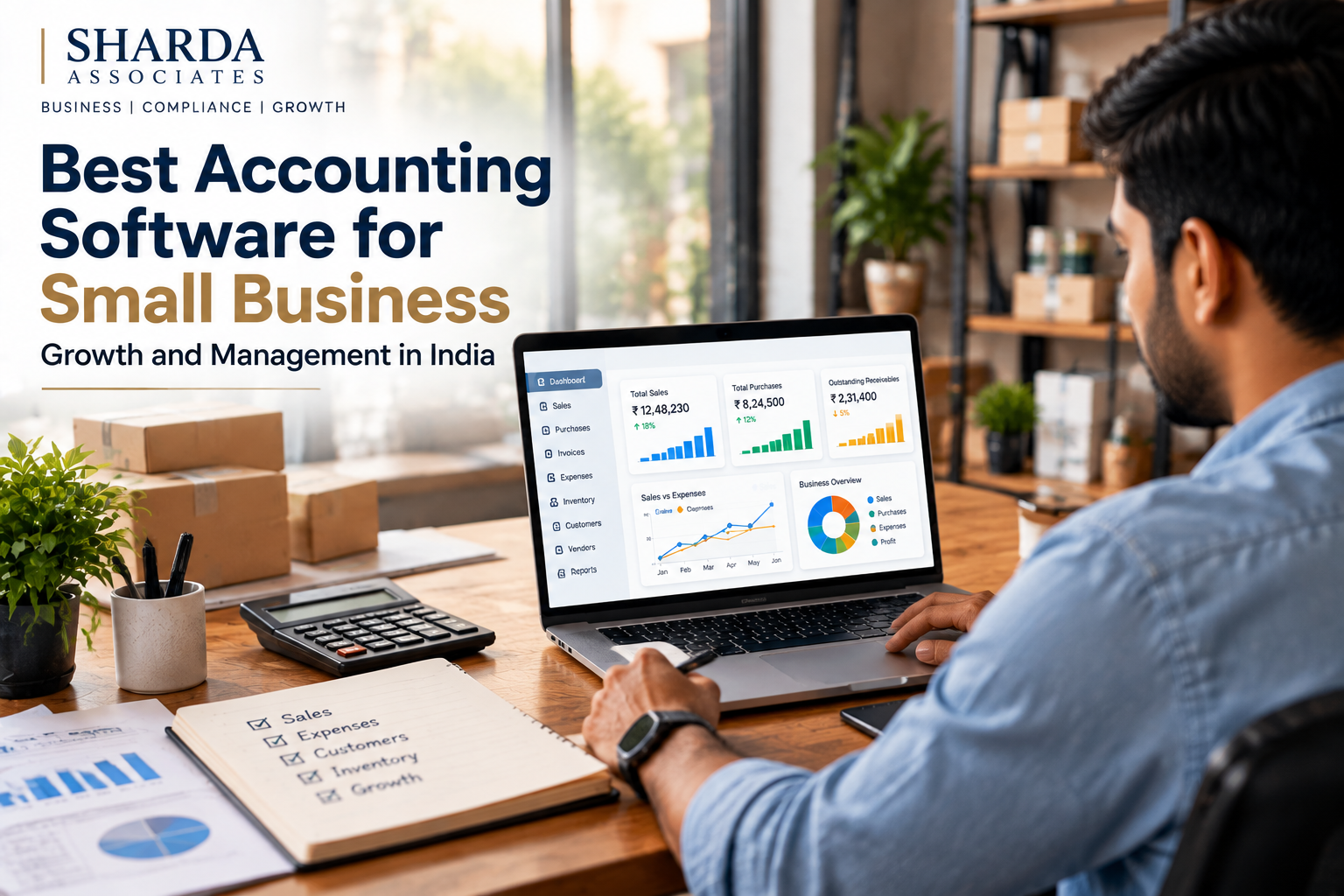
Small businesses often handle many financial activities manually, including creating invoices, tracking customer payments, recording purchases, managing expenses, maintaining stock details, and preparing financial reports. As transaction volume increases, manual management creates real problems: invoices that don’t match GST records, pending payments that get missed, and stock counts that no longer reflect reality.
- Better transaction records, all in one searchable place
- Faster invoice creation instead of rebuilding formats manually every time
- Easier payment tracking, so pending dues don’t slip through
- Improved financial visibility for day-to-day decisions
- Reduced dependency on manual records that are easy to lose
Billing and GST Invoice Management
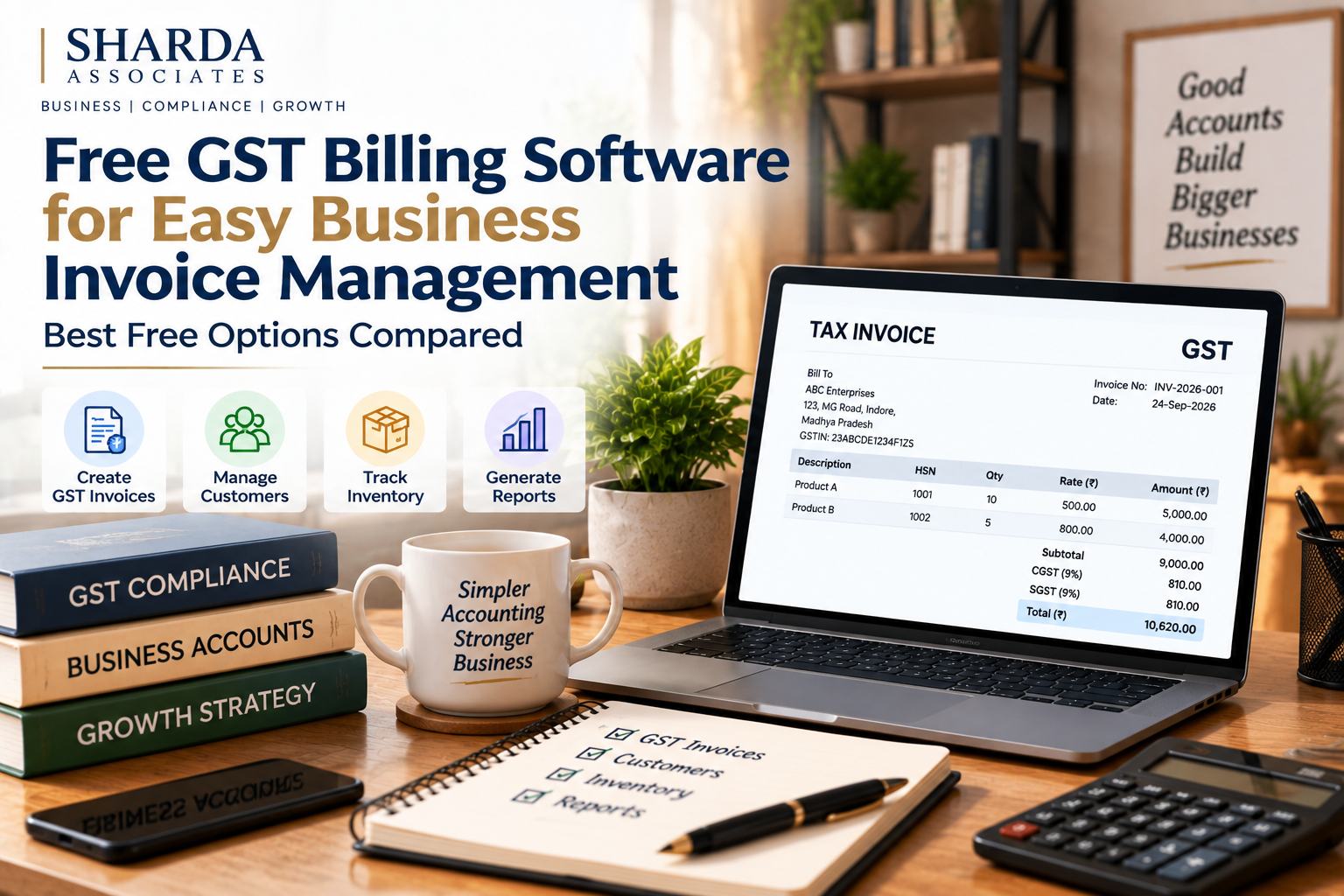
For GST-registered businesses, invoices need to carry the correct tax details, HSN/SAC codes and format requirements, not just a total amount. Good accounting software helps maintain proper GST invoice formats alongside sales and purchase records, which makes return filing and CA review considerably easier.
Customer and Vendor Management
Growing businesses deal with multiple customers and suppliers, and digging through separate files for outstanding payments or contact details slows everything down. A connected system keeps customer details, vendor information, transaction history and outstanding payment records in one place instead of scattered across files.
Inventory and Stock Management
For businesses dealing in physical products, stock management is a core requirement. Accounting software with inventory features tracks available stock, product details, sales movement and purchase records, giving owners a clear view of what needs reordering and what is sitting unsold.
What Features to Check Before Choosing Software
| Feature | What to Check |
| Billing | Easy invoice creation with proper invoice history |
| GST Support | Correct GST invoice format and tax details |
| Customer Management | Customer records with transaction history |
| Vendor Management | Supplier records and purchase tracking |
| Inventory | Stock and product movement tracking |
| Reports | Sales, purchase and financial reports |
| Access | User access suited to how the business actually operates |
Choosing software based only on price is rarely the right approach. The right fit is a system that matches daily workflow, not the cheapest or most-advertised option.
Free vs. Paid Options: Where a Free Tool Is Enough
A free invoice generator works well for a very early-stage business raising a handful of invoices a month, since it avoids paying for a full system before there is enough volume to justify it. Vinimay’s free public invoice generator, for instance, lets users create GST-compliant invoices with OTP-based verification at no cost, which is a useful starting point for freelancers and very small operations.
The gap shows up once transaction volume grows. A free vinimay softwareinc with a limited number of downloads cannot hold a full invoice history, track customer-wise outstanding across months, or connect billing to inventory and GST records the way a full accounting system does. At that point, moving to a connected platform that combines billing, customer/vendor management, inventory and reporting, which is where tools like Vinimay’s full suite come in, tends to save more time than it costs.
How Accounting Software Helps Different Types of Businesses
- Retail businesses generally need fast billing, inventory tracking, customer records and payment tracking
- Restaurants and cafes need quick invoice generation, sales tracking, purchase records and inventory management
- Service businesses need customer management, invoice generation, payment tracking and expense records
- Traders and manufacturers need purchase management, stock tracking, sales records and financial reports
Common Mistakes to Avoid While Choosing Software
- Selecting software only because it is cheap or heavily advertised, without checking if the required features are actually available
- Not understanding pricing tiers and usage limits before committing
- Ignoring future growth requirements, so the software has to be replaced within a year
- Not checking how easily data can be exported or accessed if you ever need to switch
Conclusion
The right accounting software should support what your business does today and where it is headed next, not just replace a notebook with a screen.
For businesses just starting out, a free invoice generator like Vinimay’s is a reasonable first step, and moving to a full connected system once billing, GST, and stock tracking need to live in one place is usually the natural next move.
Frequently Asked Questions
1. What is accounting software for small businesses?
Accounting software helps small businesses manage financial activities such as invoices, sales, purchases, expenses, payments and reports digitally, instead of through notebooks or scattered spreadsheets.
2. Why should small businesses use accounting software instead of Excel?
For growing businesses with regular transactions, accounting software provides a more structured, connected way to manage financial information than spreadsheets, which get harder to maintain as volume grows.
3. Can accounting software help with GST invoices?
Yes, most accounting systems help businesses create GST-compliant invoices and maintain related sales and purchase records in the correct format.
4. Is accounting software useful for retail shops?
Yes, retail businesses use accounting software for billing, inventory tracking, customer records and payment management.
5. Is there a free option for very small or new businesses?
Yes, several tools including Vinimay offer a free invoice generator with limited usage, which is useful for early-stage billing needs before a full system becomes necessary.
6. Can accounting software manage customer outstanding payments?
Yes, accounting software records invoices and payments against each customer, making it easier to track what is still outstanding.
7. Why do Chartered Accountants prefer businesses to maintain proper accounting records?
Organised accounting records help Chartered Accountants review financial information and complete GST and tax-related work more efficiently, with fewer discrepancies to chase down.
8. Is accounting software useful for service businesses, not just product sellers?
Yes, service businesses can use it to manage client information, invoices, payments and expenses even without inventory needs.
9. What should businesses check before choosing accounting software?
Billing features, GST support, customer and vendor management, inventory needs, reporting, and whether the system will still fit as the business grows.
10. When should a business move from a free invoice tool to a full accounting system?
Once invoice volume, customer follow-ups or stock tracking become hard to manage within a free tool’s limits, a connected system that handles billing, inventory and reports together becomes worth the cost.